To plan a website photoshoot, review the pages you want to improve, identify the information each image should convey and agree the framing before the session. Then prepare the people and location, define the files you need and check the results in the actual website layout. This gives the photographer a practical brief and gives your team a way to accept the work.
Audit the images you already have
Open the pages that matter most to an inquiry or purchase. For each image, record its position, the detail it communicates and whether it still represents the business accurately. A useful process photograph may deserve to stay even when the surrounding design changes. A beautiful image may need replacing if the service, location or product has changed.
Check the source files as well as the pages. A picture that looks soft may have been exported too small; a missing detail may have been lost in the crop. Find out whether a usable original exists before planning a replacement. Mark the gaps that need new photography and name the person who can provide the factual context. The resulting list should explain why each new scene is worth capturing.
Write what each missing image must explain
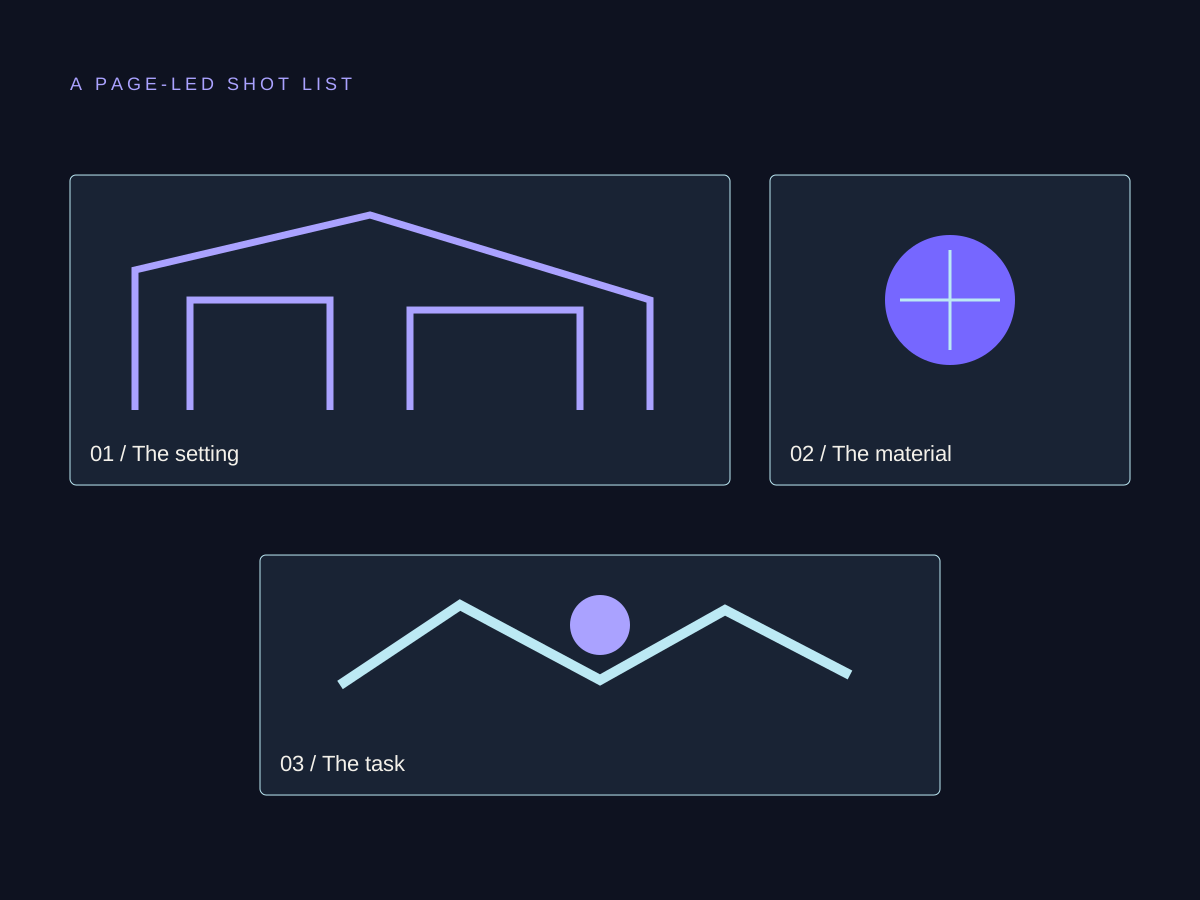
Start each shot request with something a visitor needs to understand. A furniture maker might need to show how a desk fits into a small room, how two finishes differ or what a customer should measure before requesting a quote. Those are different information needs, so they may call for a room view, a material detail and an image of the measuring process.
Describe the scene in concrete terms: the subject, the relevant action and the detail that must remain visible. Add the intended page position and any layout constraints. Decide which scenes are essential for the next release and which are useful variations. Ask the photographer to review what is achievable in the available setting; they may suggest a clearer way to communicate the same information.
If the pictures are part of a wider website redesign, settle their placements while the page structure is being agreed. A photographer can plan the frame much more usefully when the intended layout and surrounding message are available.
Three questions that call for different photographs
- Will it fit the room?
- Capture
A desk beside a familiar chair
- Keep visible
The proportions and surrounding space
- Which finish suits me?
- Capture
Two approved material samples together
- Keep visible
The surface detail and lighting conditions
- What should I measure?
- Capture
The relevant dimensions being checked
- Keep visible
The measuring points and their context
Test the frame against the actual layout
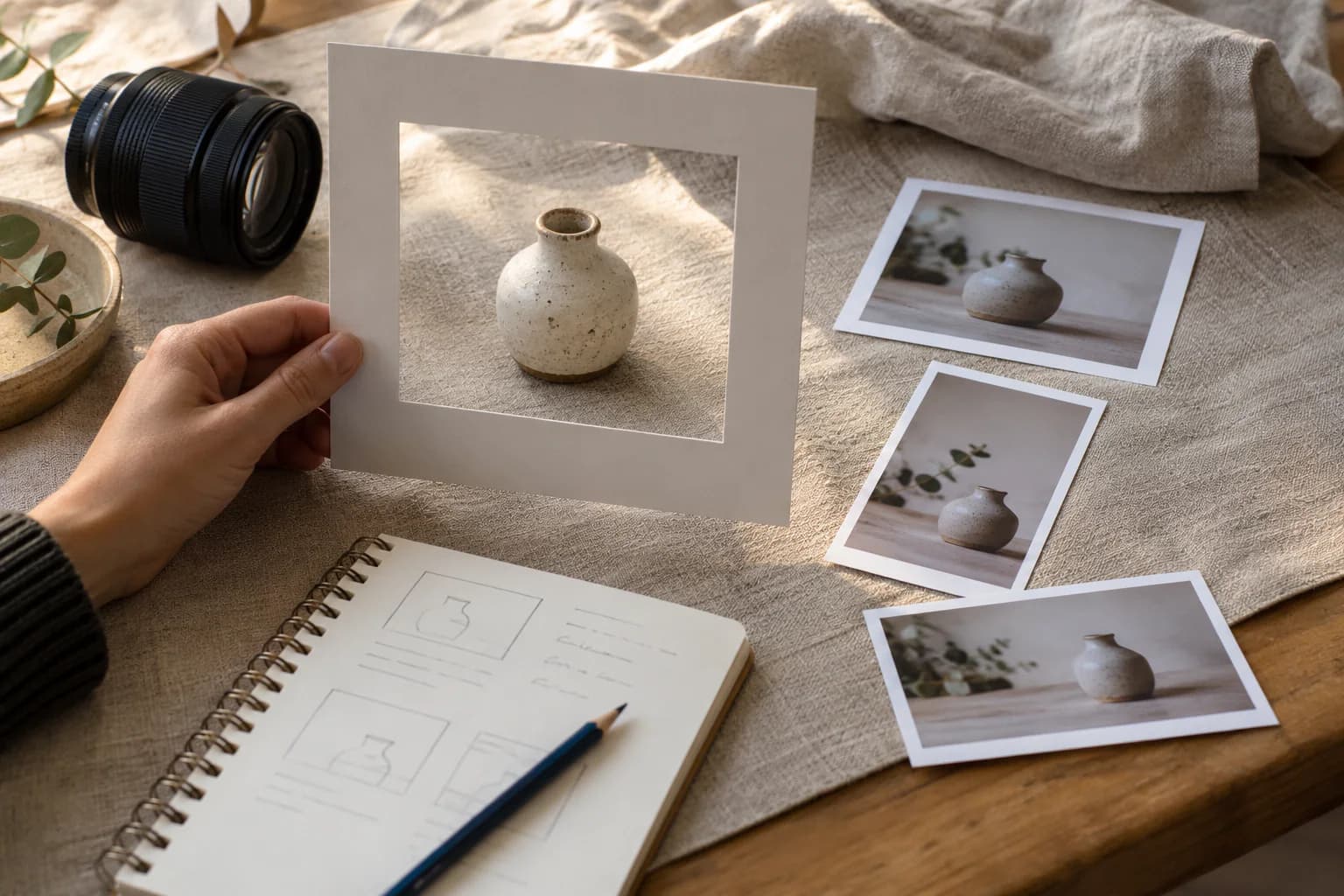
Show the photographer the image slots at a wide screen size and on a phone. Note which part of the scene must survive both crops. Faces, working hands and a product's important feature can disappear when a broad photograph fills a narrow container. A separate composition may be the clearest solution when the two placements ask for different views.
For a photograph behind text, identify where the words will sit and check that they remain readable. For a supporting image beside copy, explain the relationship between the two. Bring rough layout examples to the planning conversation and review a trial frame during the session. You can change a setup while everyone is still present instead of discovering a missing angle after the gallery arrives.
Prepare the scene and people
Give everyone involved a short, practical plan: where to be, what activity will be photographed and which objects need to be ready. Choose work the team can perform naturally and safely. Review visible screens, documents, packaging and customer information before the session. Agree the relevant permissions and usage arrangements with the people responsible for them.
Read the website trust signals guide when deciding whether an image is evidence of real work or an illustration. A generated scene can explain an idea; it should not be described as your workshop, your staff or a completed customer project when that is not what it shows.
Group the approved scenes into an achievable shooting sequence. Protect time for the images the release needs and identify a person who can make decisions on the day. If a subject or location becomes unavailable, return to the information the image was meant to convey and agree a truthful alternative.
Agree the delivery before the shoot
Discuss how the team will receive the approved originals, edited selections and website exports. Confirm the intended uses with the photographer and keep that agreement with the asset record. Use filenames and an index that let another person identify the subject and intended placement. Keep the source material so a future crop or export can be prepared from it.
Request website versions at useful dimensions for the agreed layout. Google Search supports WebP among its image formats, and responsive image delivery lets a browser choose an appropriate version for its screen. Review the compression for visible loss of important detail. The file format is one part of delivery; a very large image can still waste bandwidth when the page only displays a small thumbnail.
Review the exported images on the real page
Place the selected images into the page and check the result on desktop and mobile. Verify the crop, relevant detail, surrounding copy and loading behavior. A final check should also confirm that the intended photo appears in the right slot; a folder of approved selections can still be connected to the wrong page.
Write alternative text according to the image's purpose. W3C guidance distinguishes informative images, purely decorative images and images that perform an action. Describe the essential information a reader would miss in an informative photograph; a purely decorative image uses an empty alternative. For a linked image, make sure its destination or function is clear. Keep an asset record with the selected file, placement, text alternative and any remaining review work.
Before you take the next step.
How many photographs does a business website need?
The number follows the page needs and the useful images already available. List the distinct information gaps and important crop variants, then review the achievable scope with the photographer. A fixed number can leave an essential page uncovered or create images nobody needs.
Can I use photographs I take myself?
Yes, when they accurately communicate the relevant detail and work at the size and crop the page needs. Check focus, lighting, context and the final export on a phone as well as desktop. Ask for professional help where a required scene or consistent treatment is beyond the team's available skills.
Where do generated images fit in a website photo plan?
Use them as clearly identified illustrations of an idea. For a statement about a real place, team, product or completed result, choose material that accurately documents it. Keep the distinction clear in the surrounding wording and captions.
Sources & context
Original research and official guidance used for the factual statements in this guide. Examples and planning diagrams are illustrative.
- Google Search: Image SEO best practices
Official guidance on image formats, responsive sources, standard image elements and relevant context.
- W3C WAI: Images Tutorial
Text alternatives depend on whether an image conveys information, decorates the page or performs a function.
- Jenn Chen: Website photography shot planning
Practitioner guidance on image roles and preparing photography for website placements; fixed shooting cadence is not adopted.