Website, UX & Conversion.
Clarify your message, plan a usable mobile journey and test whether the important information is easy to find.

A clear learning sequenceThree phases. Two lessons each.
About 138 minutes36 min reading · ~102 min practice
Make something usefulFinish with your own reviewable project.
A skill you can put to work
Write a compact website brief and a practical usability test.
A clear website brief
Give every page and section an information role.
A mobile task route
Connect the screens that serve one visitor goal.
A practical test
Watch what happens before deciding why.
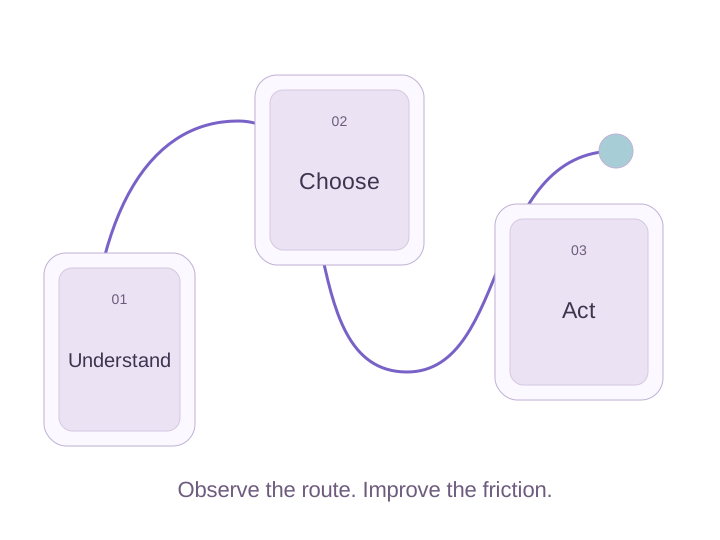
The curriculum
Your next six
useful steps.
Follow the sequence or return to a lesson whenever you need it. Read, try the task and check your reasoning.
Establish clarity and trust
Answer the opening questions with verifiable information.
Plan the journey
Make the mobile route clear and brief the right content and images.
Test before you rebuild
Observe usability and decide between a focused fix and a redesign.
Your final project · The visitor-journey studio
A small website brief with a usable journey
Plan a fictional service website that lets a mobile visitor understand the offer and request an appointment.

A real chance to practice.
A homepage outline with clear information roles.
A three-screen mobile task and relevant shotlist.
A neutral usability-test task and observation sheet.
Does the outline answer actual visitor questions?
Can the task be completed without ambiguous links?
Does the test record behavior before judging causes?
One illustrative approach. Your choices can differ when you explain them.
Opening: service, area and next step.
Request journey: service details → availability information → appropriate request form.
Test task: ask a participant to find how to request a planned repair without naming the interface control.
Your project is yours to keep. Use the example to review your choices, then make it your own.
Find a project worksheet