
01 / PURPOSE
What does the organization actually do?
Connect the mission with concrete activities and useful public information.
A clear mission
PurposeActivitiesResources
Nonprofit SEO
Nonprofit SEO helps people find your programs, understand your mission and discover how to support or participate through clear website content.
Supporters may need to understand the mission, a specific program, eligibility, or how their participation works. We map these needs to appropriate pages and connect them to the organization's real processes. Program details, impact statements, partnerships, and financial information require organizational approval. Donation platforms, payment processing, and volunteer management are separate implementation responsibilities that should be defined before changes begin.
Help visitors understand the work, explore a relevant program, and find a next step that fits their interest.
Connect the mission with concrete activities and useful public information.
Give programs, events, and resources their own clear role.

Make the relevant route visible before asking for information.
Selected nonprofit work
Different people, clearer routes
Give each audience a clear way to understand the work and find the information that fits their question.
What does the organization do, and where can I learn more?
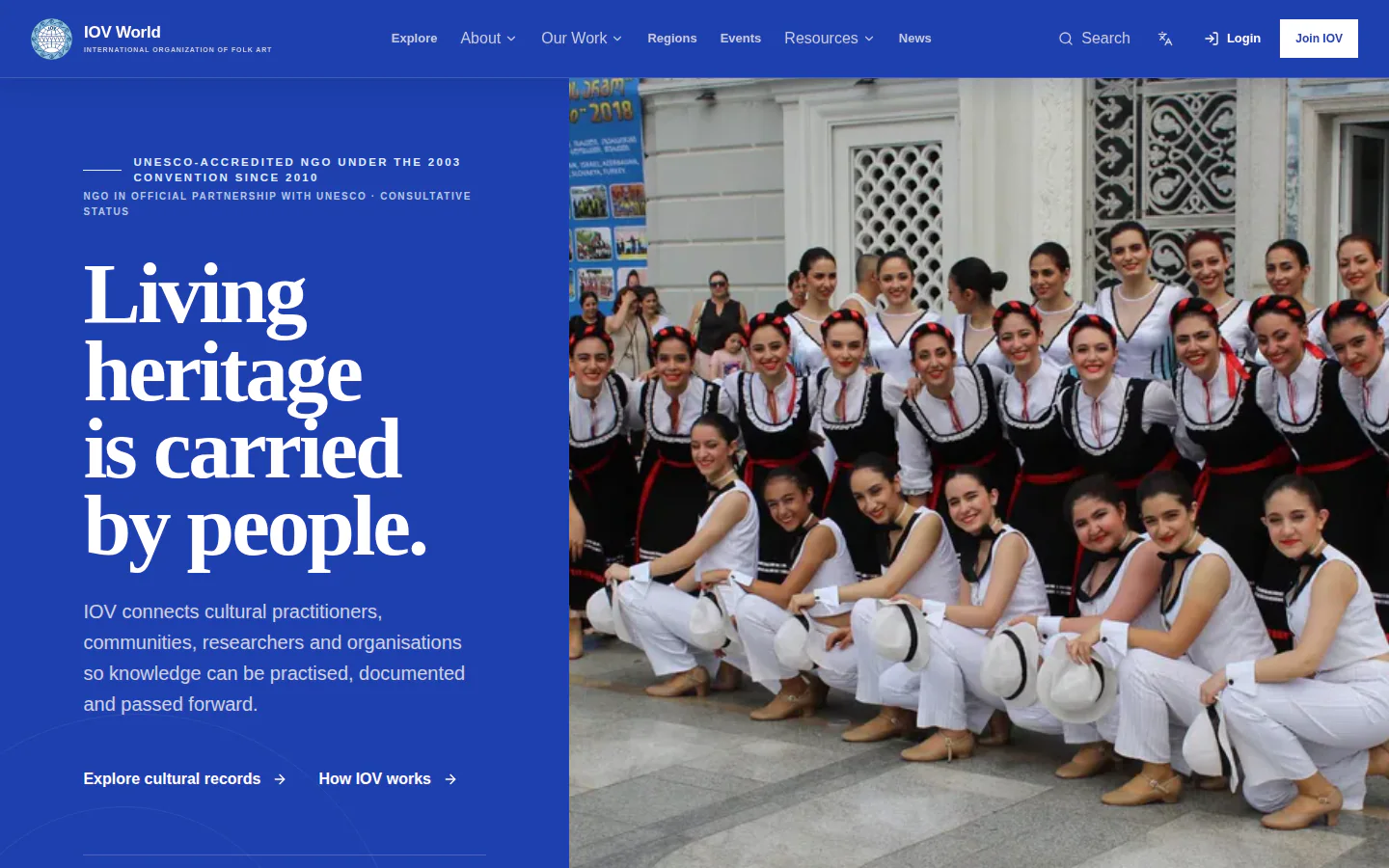
An illustrative community organization sharing skills through cultural activity and learning.
Explore how people learn and share practical knowledge.
A distinct place for useful public resources.
Website workGive important topics and resources distinct, useful pages.
Illustrative information routes
Shape the work around the organization, its audience, and the parts of the website that need clearer purpose or stronger support.
Give mission, program, resource, and participation pages a clear role.
Explore content marketingTurn organizational knowledge into useful explanations people can act on.
Explore content marketingReview the website foundations that support access, navigation, and reliable page delivery.
Explore technical SEOCoordinate public-facing content with agreed design and account-related development where the project needs it.
Explore website redesignA connected page plan, shaped around the organization's work.
From interest to understanding
Follow an illustrative community program from its first introduction to the information someone needs before taking part.
An illustrative program about learning and sharing practical knowledge.
Explore the programGive the program a clear identity and a useful starting point.
Make the practical information part of the page, not something people have to piece together elsewhere.
Useful program detailExplain what the program involves and how it relates to the organization's work.
Clarify who the activity is intended for and what people should confirm first.
Provide the relevant format, location, timing, and accessibility details when confirmed.
Make the practical information part of the page, not something people have to piece together elsewhere.
Keep the route connected to the question that brought someone here.
Ask about participationUse the program's confirmed contact route to clarify the next step.
Keep the route connected to the question that brought someone here.
An illustrative community program, separate from IOV World. This demonstration collects no information, sends no inquiry, and confirms no participation.
Bring purpose, programs, and practical information into a structure your audience can explore and your team can maintain.
Clear context. Connected information. Useful next steps.Depending on the agreed scope, the work can connect page structure, content tasks, and implementation review.
A connected plan, with a different job for every page.
Keep the facts, implementation, and open questions visible.
Search visibility can help show whether relevant pages are being discovered.
Website activity can show how people explore the content and use the available routes.
Membership, participation, donations, or wider impact require the organization's own records and interpretation where those outcomes are relevant.
Review the purpose, audience, programs, and the website question the team wants to clarify.
Your mission, audiences, and the question the website should answer.
Define page roles, develop the agreed material, and connect the relevant website tasks.
Confirmed program information and the relevant participation routes.
Check implementation, confirm accuracy, and agree on the next useful improvement.
A responsible reviewer to confirm facts and help decide what comes next.
Scope, participation, and the information needed to begin.
The page structure can be adapted to organizations working in areas such as culture, education, and community activity. The appropriate scope depends on the mission, audience, programs, and website.
No. Membership, volunteering, donations, program participation, and institutional inquiries have different purposes. The website should reflect the routes the organization actually offers.
Yes. A focused scope can begin with a program page, a content-structure question, or a technical issue. The first review helps identify a useful starting point.
Yes. Public information, page structure, design, and account access can be coordinated within an agreed project. The scope should make clear which work relates to search and public content, and which work relates to account functionality.
We created the IOV World website, provide ongoing SEO support, and are developing its login system. You can explore the public website through the project reference on this page.
Not automatically. Account functionality and any membership workflows need their own agreed requirements and implementation scope.
Accurate descriptions of the mission and programs, the relevant participation routes, and confirmation of practical details and published claims. The exact inputs depend on the agreed work.
Website and search data describe parts of the online experience. They do not independently establish wider impact. The organization needs its own evidence and context to interpret those outcomes.
A closer look SEO Supreme
Nonprofit SEO can support people seeking a service, people considering a donation, and people wanting to participate. Those audiences do not always need the same page. Clear program information should connect the organization's mission with a concrete, truthful next step.
Explain whom a program serves, what it provides, and any approved eligibility or geographic limits. Give someone a reliable way to ask for more information. A broad mission statement should not be the only explanation available to a person seeking practical assistance.
Describe the work and use evidence the organization can substantiate. A count of activities is not automatically a measure of long-term impact. Label examples and estimates clearly, and avoid invented beneficiary stories or unsupported claims about what a donation achieves.
Donating, volunteering, applying for support, and contacting a team are different tasks. Connect each to the appropriate information and actual process. Keep requirements and availability current so people do not spend time following a route the organization can no longer support.
Nonprofit SEO serves several audiences. Someone looking for a program needs practical access information; a donor wants to understand the organization and its work; a prospective volunteer needs to assess a role. Identify those tasks before planning pages. The same mission can connect them without forcing everyone through a fundraising message before they reach the information they need.
Review the questions received by program staff, fundraising teams, and volunteer coordinators. Use the language people actually use to describe the help or contribution they are seeking. Give important program and action pages a clear place in navigation and relevant contextual links. A valuable service should remain easy to find even when the site has a busy news archive or a prominent campaign.

Explain what the program does, whom it is intended to serve, the area it covers, and the next step for checking suitability or availability. Use information approved by the program owner and keep significant conditions visible. Distinguish an ongoing program from a past initiative, a waiting list, and an activity that is currently accepting requests.
For a fictional community book-lending program, a useful page could describe the lending arrangement, collection location, opening times, and how to ask about participation. The program team would verify those details. The page could answer practical questions without inventing eligibility, capacity, a registration guarantee, or an impact figure. A named internal owner also makes it clearer who should update the information when the program changes.
An impact statement is more useful when readers can understand its scope. Show the source, period, and definition behind a published figure, and link to the appropriate report where available. Distinguish an activity delivered from a change the organization can demonstrate. The number of items distributed, for example, does not by itself establish every longer-term effect on the people receiving them.
Use approved stories and imagery with the rights and review appropriate to the organization. Explain the context without turning one person’s experience into a typical outcome for everyone. Keep the summary readable while making supporting material accessible. If a finding is an estimate or an interpretation, label it accurately rather than make the statement appear more certain through a larger headline or graphic.
A useful volunteer page explains the role, location or remote arrangement, expected commitment, relevant requirements, and application process. Confirm which opportunities are open and who answers questions. A general invitation to help may create interest, but concrete role information allows someone to decide whether they can make a suitable contribution.
Keep an application separate from acceptance. Explain the next stage according to the organization’s actual process, including any discussion or checks it has approved for publication. Remove or update closed roles and check that links still reach the right form or coordinator. Where several roles share one application route, preserve enough context for the receiving team to understand which opportunity the person selected.
Before someone follows a donation link, explain the purpose of the appeal using the organization’s approved wording. Make any important conditions easy to find. If a separate payment platform handles the transaction, help the visitor recognize that destination and confirm that the correct campaign or organization is shown. Avoid adding tax, financial, or fund-allocation claims that the organization has not verified.
Test the journey on a phone, including the return or confirmation step where applicable. A readable appeal cannot compensate for a confusing amount selector or an unexplained failed transaction. Keep the essential purpose understandable outside an image or download. The goal is a clear action route that reflects the organization’s actual arrangements and gives supporters a reliable way to ask a question.
Give time-sensitive appeals, events, and program updates a plan for what happens after they end. Mark historical material clearly and direct visitors to an appropriate current resource where one exists. Review prominent links so that an old campaign does not remain the main route to a service or donation option that has changed. Preserve useful reports as dated resources rather than present them as current announcements.
For reporting, separate program inquiries, completed donations, recurring gifts, volunteer applications, accepted volunteers, and event registrations where the approved systems support those distinctions. A button click is an early action, not evidence of a completed gift or delivered service. Combine the records with staff feedback and use only the detail needed for a useful decision. This keeps the content plan tied to real audience needs and the organization’s capacity to respond.
Tell us about your organization, the people you want to reach, and the part of the website you want to improve.