The idea, in plain English
Start here.
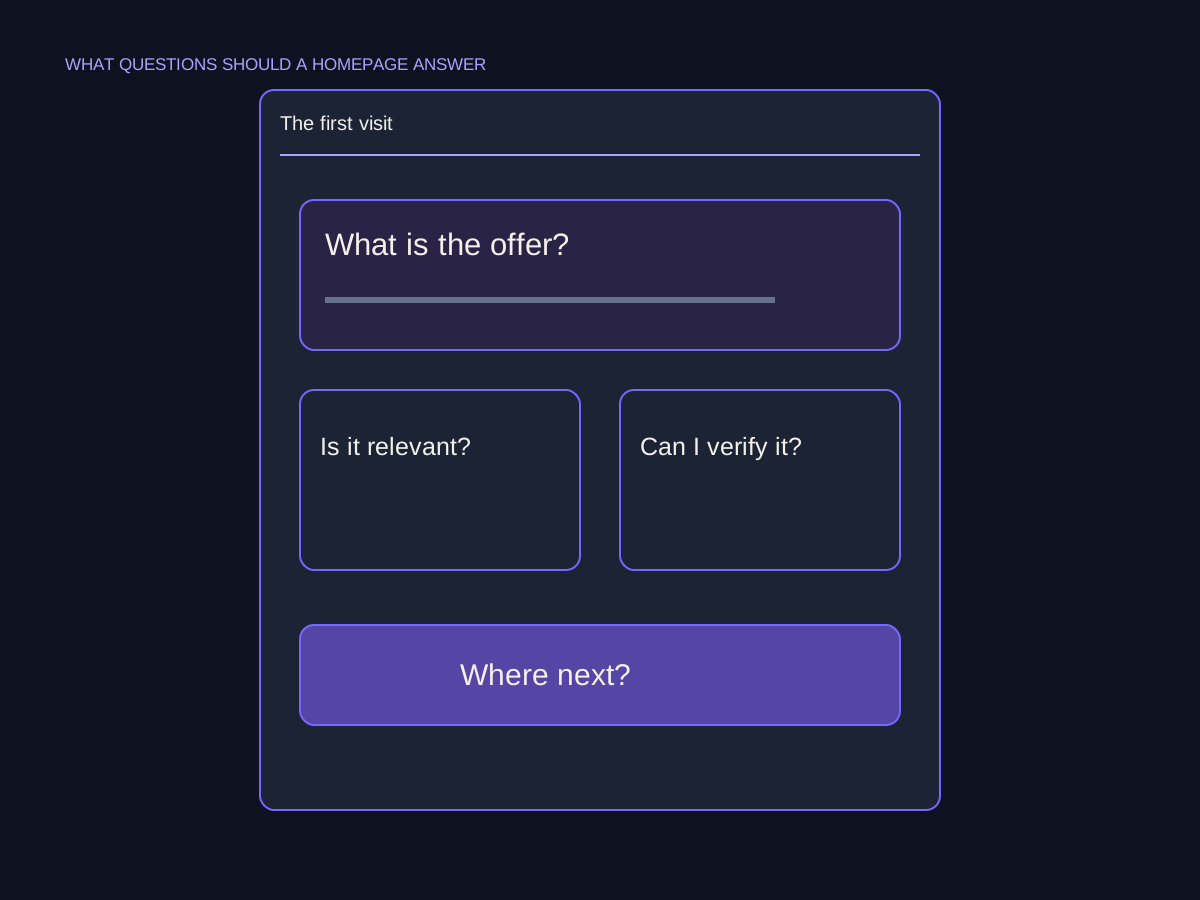
A useful homepage helps visitors understand what the site offers, whether it fits their need, why its claims are credible and where to go next. Use a clear hierarchy and routes to the relevant detail instead of trying to explain everything at once. The order and emphasis depend on the audience and task; there is no mandatory section count, seven-second rule or single button pattern that fits every homepage.
A beautiful opening image can create interest, but ‘Crafting tomorrow, today’ does not tell someone whether the business repairs a book or sells notebooks. Begin with the question a visitor needs answered. Then let the typography, images and links help them find the right next page.
A few words you’ll meet.
OPEN WHAT YOU NEED ↙Orientation
The information that helps visitors recognize what a site offers and whether it is relevant to them.
Hierarchy
The order and visual emphasis that show which information or action deserves attention first.
Proof point
Specific, verifiable material supporting a claim, such as an appropriately described work example.
Call to action
A clearly described next step, such as viewing a collection or sending a request.
Explain the offer in the opening view
Use a heading that identifies the actual offer in language the intended visitor understands. Add the context that changes relevance: the type of work, audience, location or important condition when it is confirmed and useful. A slogan can support the identity, but it should not carry the whole burden of explaining the business.
In the fictional Fold & Thread studio, ‘Book repairs and hand-bound notebooks’ gives visitors a concrete starting point. The supplied brief does not establish a service area, price or turnaround, so those details need confirmation before becoming promises. Avoid solving an unclear message by adding more adjectives or an impressive number with no source.
Give different needs a clear route
A homepage is an introduction and a useful map. Summarize the offers that matter, then link to detail where visitors can understand scope, process or products. Someone looking to repair a book needs a different route from someone browsing notebooks. The labels should make that difference recognizable before a click.
Prioritize the action relevant to the page’s main audience while keeping other legitimate routes discoverable. A business with several distinct tasks may need more than one option. Do not turn ‘one primary action’ into a rule that hides a useful product collection or support route. Also remember that people can arrive directly on deeper pages; those pages need their own orientation rather than depending on a prior homepage visit.
Make the next doorway recognizable.

Place evidence and images where they answer a question
Choose proof for the claim it supports. An accurately described repair example can show the type of work completed. A genuine review can describe that customer’s experience. Neither establishes every possible outcome, a universal turnaround or a result for the next visitor. Keep attribution, context and important conditions visible, and do not invent logos, reviews or experience figures to fill a layout.
Give an image a specific job: show the product, clarify a process or demonstrate a work detail. Use a useful crop and nearby explanation so the visitor knows what it represents. A decorative illustration can express the brand without pretending to be a completed client project. Keep text readable and the next action reachable; a large image should not make the core explanation disappear.
Review the sequence with a real task
Read the page as someone with a specific need. Can they explain what is offered, choose the relevant route, find the conditions that matter and predict the next step? Check the actual destination as well as the button wording. A clear label leading to the wrong page is still a broken journey.
Test the opening view and navigation on a narrow screen, with zoom and keyboard use as appropriate. Keep meaningful headings and visible focus so the visual hierarchy also works as an interaction. Ask a person to attempt a task and observe where they hesitate; do not treat your own familiarity or a polished mockup as proof of usability. Revise the specific obstacle and check the task again.
Two needs, one understandable introduction
Original fictional brief: Fold & Thread offers book repairs and hand-bound notebooks. Repair work begins with an inquiry and assessment. Approved work photos are available, but current prices, service area and turnaround are not supplied. This is a planning illustration, not a published business claim.
| Homepage element | Useful wording or content | What it should accomplish |
|---|---|---|
| Opening heading | Book repairs and hand-bound notebooks | Identify the offer without a vague slogan. |
| Repair route | Ask about a repair | Start an inquiry; do not imply confirmed acceptance. |
| Product route | Browse notebooks | Lead to the relevant collection. |
| Work example | Approved photo with an accurate description | Support the specific work shown, without invented results. |
| Missing conditions | Confirm price, area and turnaround with the owner | Keep unknown details out of promises. |
Put it into practice
Sketch the visitor’s next decision
Plan the fictional studio homepage for a visitor with a damaged book. Another visitor wants notebooks. The supplied material contains no guaranteed price or completion time.
- Write an opening heading that identifies the offer.
- Choose clear labels and destinations for both needs.
- Select one approved image and explain its specific job.
- Identify conditions that need confirmation rather than invention.
- Write a task for a reviewer and the behavior you would observe.
Keep your working notes in your own document. This page saves only your completion check, not your answers or customer data.
Check your understanding
Make the call.
Choose an answer for each question. Then compare the reasoning.
You have a useful next step.
- Name the offer and the context that establishes relevance.
- Route distinct needs to useful detail with accurate labels.
- Use supported proof and test a concrete visitor task.
Completion is your own learning record. Quiz scores and practice checks are saved separately, on this browser.
Sources & context
The sources below explain the factual foundations and editorial methods used in this lesson. Worked examples, planning models and exercises are illustrative teaching material.
- NetNav: Homepage content guide
Editorial structure for offer, routes, proof and next steps; fixed section counts, timing and conversion promises are not adopted.
- Squarespace: Tips for creating a homepage
Full editorial guidance that homepage choices depend on site, goals and visitors, and that people can arrive through deeper URLs. No Squarespace setup steps are applied here.
- Tim Fetter: Homepage content architecture
Complete concise worksheet for audience, message, evidence, structure and next-step planning.
Explore the full companion guide
This lesson is also part of the journal. Keep reading for the original guide, supporting references and further detail.
Your homepage should help a new visitor understand the offer, recognize whether it fits, check the important claims and choose a useful next step. Seven questions cover those decisions. They are a review tool rather than seven compulsory design sections: answer them in the order that makes sense for your business and its customers.
What do you offer, and who is it for?
The first two questions establish orientation. State the product or service in language a customer would use, then make its audience or situation clear. An unfamiliar slogan may express the brand, but it needs an explanation nearby. People should not have to open a menu to discover whether they reached a studio, a software service or a repair business.
Write an illustrative opening before designing around it. For example: “Website planning and design for independent businesses that need a clearer route to inquiries.” This describes an offer and a situation without inventing a result or claiming to serve every possible audience. Your final wording should use the real scope of your own business. Keep details that affect fit, such as geography or service limitations, easy to find.
What changes for the customer?
The third question is why the offer matters. Explain the problem the customer is trying to solve and how the service or product addresses it. Separate a benefit from a guarantee. Making the booking process clearer is a describable aim; claiming that every business will double its bookings requires evidence you are unlikely to have for each visitor.
Use a concrete explanation instead of a long list of interchangeable adjectives. A bookkeeping provider might explain what information a client sends and which reports they receive. A furniture maker might show how a customer chooses a size and finish. When the explanation remains vague, content planning and writing can help organize the real facts before the design gives them prominence.
Why should a visitor believe the claim?
The fourth question concerns evidence. Select proof relevant to the offer: a real project with its scope, an applicable credential, an authentic review or a clear demonstration. Place it near the statement it supports. A generic badge at the bottom of the page does not explain why a particular customer should trust a particular service.
Make the difference between illustration and evidence visible. A generated scene can introduce an article, but it should not impersonate the business's team or completed client work. If a case study reports an outcome, include enough context to understand what was measured and what else may have influenced it. A new business can explain its method and show labeled examples while building a genuine record.
How does it work, and what affects the cost?
The fifth and sixth questions reduce uncertainty about the commitment. Give visitors a short explanation of the process and a route to the relevant detail. For a custom service, describe what happens before an estimate and which information the business needs. For a fixed product, make the purchase conditions accessible before the person is asked to act.
You do not need to place a complete specification or every price on the homepage. You do need to indicate where the answer lives and avoid an implied commitment that changes after the click. A quote request should not look like a confirmed booking. A starting price should identify the scope it represents. If important facts vary, explain the factors rather than disguising uncertainty behind a persuasive phrase.
Where can someone go next?
The seventh question turns orientation into a useful route. Choose a primary action appropriate to the visitor's readiness, and offer a clear path to further detail for someone still comparing. Descriptive links such as “Explore maintenance plans” explain more than a repeated “Learn more.” The destination should continue the same offer and level of commitment.
Check the sequence with the mobile journey walkthrough. On a phone, the proof, process and action may be separated by several screens. Keep the connection between them understandable. A prominent button can help, but prominence alone does not fix missing information or a confusing destination. Give each part of the page a job and remove content that interrupts the task without helping the visitor decide.
Test the answers rather than the template
Ask someone unfamiliar with the business to explore the homepage and describe what it offers, who it fits and what they would do next. Then give them a realistic task, such as finding the conditions for a consultation. Let them work without guidance and record the words or controls that caused uncertainty.
Look for actionable observations. “I thought this button reserved a time” points to a wording or process problem. “I could not find whether you serve my area” points to missing or poorly placed information. You can use a brief first-impression exercise as a diagnostic, but it is not a scientific pass mark or proof of a universal attention span. Test the important routes again after the change.
Read the first screen as a stranger, then follow one route into the site. Keep the offer and audience clear, attach proof to the claim and make the next step say what it really does.
Do all seven answers have to appear above the fold?
No. The opening should establish the offer and relevance. Give proof, process and cost context space when needed, with clear routes to deeper pages. Prioritize the visitor's sequence of decisions.
Should the homepage list every service?
Show enough of the range for people to understand the business and find the right route. Use meaningful groups and link to specific service pages where the details differ.
Is a five-second test enough to validate the homepage?
It can reveal an unclear first impression. It does not establish whether someone can complete a real task. Combine the initial observation with navigation and action checks.
Companion guide references
- Nielsen Norman Group: How Users Read on the Web ↗
1997 historical study; scanning and word-by-word figures.
- Nielsen Norman Group: How People Read Online ↗
2020 review of five eye-tracking studies and continuing scanning behavior.
Put it into practice SEO Supreme
Test the first visit with a concrete question.
Imagine a visitor who needs a specialist repair but has never heard of the business. This illustrative check asks whether the homepage supplies enough context to choose a useful route before contacting anyone.
Can they identify the service?
A statement such as 'We make things better' does not establish what is repaired. A concise description of the actual work gives the visitor a starting point without requiring them to infer the offer from a photograph.
- What is offered
- Who it helps
- Where to go next
Can they check relevance?
Show the real service category and a route to its details. If location or another condition determines suitability, make that information available where the visitor needs it.

Can they predict the next step?
A button labeled 'Request an assessment' should lead to the process the business describes. Explain whether the visitor is sending a message or making a confirmed booking; those are different commitments.