


Website Design

Your business. Beautifully presented.

Distinctive websites that make your offer easy to explore.

Explore all 4 services
04 servicesOne clear starting point
A closer look

Make the whole journey feel considered.

01One-Page Website Design

Choose one page when the offer can stay focused.

  • One clear offer and a defined audience
  • Complete information before the main contact action
Read the details

A single-page website works best when the business can explain its main offer, audience, scope, and next step without hiding important differences. We plan the section order around that decision journey and keep the navigation meaningful. Businesses with distinct services, locations, or substantial supporting information may benefit from separate pages. The structure should follow the content rather than force unrelated topics into a long scroll.

02Ecommerce Website Design

Design the product journey as one connected experience.

  • Collection and product layouts built around real information
  • Product choices and practical policies easy to inspect
Read the details

A store needs more than a product grid. Shoppers need to understand the range, compare relevant differences, and inspect the information and policies behind a purchase. We plan collection and product layouts together, then review selection controls, navigation, mobile use, and the path to the next step. Catalog preparation, checkout integrations, payment services, and platform responsibilities are defined explicitly in the project scope.

03Website Redesign

Connect the new experience to a deliberate transition.

  • Current content and useful paths reviewed before replacement
  • A clear page map and agreed relaunch responsibilities
Read the details

A redesign may change the message, layout, page structure, or the platform underneath them. We review existing content and customer journeys before deciding what to retain or rebuild. The relaunch plan connects these design decisions to URL mapping, redirects, metadata, forms, and integrations within the agreed scope. Before-and-after comparisons should use the same underlying content so the effect of hierarchy and presentation is understandable.

The decision before the work

Choose a scope that fits your next step.

  1. 01

    A focused new offer

    A one-page website can be a useful starting point when the message, supporting detail and contact path fit one coherent journey.

  2. 02

    A range to explore

    An ecommerce project gives collections, products, selection controls and practical purchase information their own roles.

  3. 03

    An existing website to improve

    A redesign and relaunch connects the new experience to a deliberate transition. Maintenance covers the agreed ongoing work afterward.

Before the first conversation

Start with the offer and the materials.

Bring the offer, current materials and functionality requirements together before choosing a website format.

  1. 01

    The offer

    Describe the business, the audience and the action the website should help people take.

  2. 02

    Existing materials

    Share the current website and the content, products or images you want to carry forward.

  3. 03

    Project scope

    Note the functionality, platform and responsibilities that need to be considered.

Useful questions

A clearer
starting point.

01Do we need one page or several?

The page structure follows the offer and the information customers need. Distinct services, locations or substantial supporting material may need separate pages.

02Can you redesign our current website?

Yes, within an agreed scope. The review establishes what to retain, what to improve, and which URL, platform or integration changes need a relaunch plan.

03Who supplies the content and product details?

Your team supplies and verifies business facts. Content research and development can be included where agreed, with the responsible specialists reviewing the material.

04Are hosting and maintenance included?

Hosting, domains, third-party services and ongoing maintenance are separate responsibilities. Their inclusion and ownership are made explicit in the project scope.

A closer look SEO Supreme

Choose a structure that explains the offer.

Website design begins with the information a visitor needs and the action the business can support. Decide which parts deserve their own page, how the journey fits together, and who will maintain the content after the visual design is finished.

Jump to a section

Match the format to the offer.

A focused one-page website and a structured store solve different communication problems. List the main visitor tasks and content requirements before choosing the format. Use the simplest structure that can explain the real complexity.

Give each question a home
  • Focused page
  • Service website
  • Online store
Match the format to the offer.

Design around representative content.

Use an actual service, product, or customer question when testing layouts. Confirm which facts and images the business can supply. Realistic content exposes requirements that a polished placeholder can hide.

Trace the evidence
  • Actual offer
  • Approved content
  • Representative image
Design around representative content.

Include the life after launch.

Agree on editing responsibilities, ongoing updates, and the systems behind forms or transactions. Plan a transition when an existing website changes. A finished interface should be something the business can operate, not only approve in a presentation.

Keep a reviewable sequence
  • Launch
  • Editing
  • Maintenance
Include the life after launch.

Organize the website around the visitor’s next decision.

A website structure should help someone understand the offer, decide whether it fits, and take an appropriate next step. Begin with the questions that stand between arrival and that action. A service business may need to explain who the work is for, what is included, where it is available, and what information an inquiry requires. Page count follows those needs.

Turn the questions into a simple route through the site. Keep navigation labels recognizable and give important destinations a clear purpose. W3C’s page-structure guidance supports meaningful regions and headings that help people understand and navigate content. The visual design should reinforce that structure, including when a visitor reads a single section rather than the entire page in order.

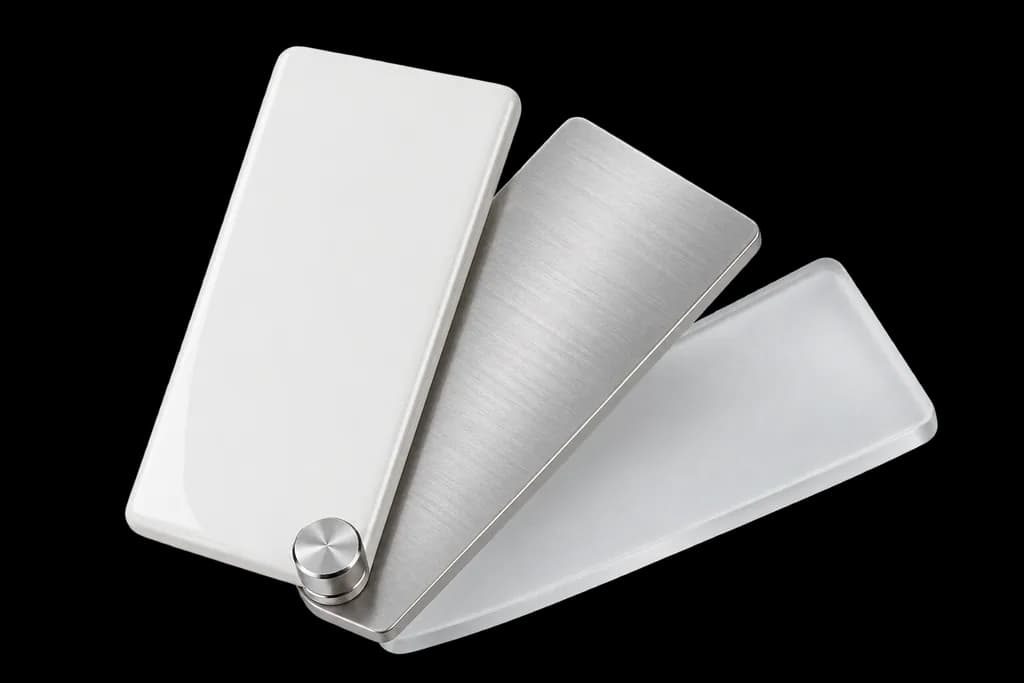
An original layered ivory page architecture made of large charcoal and translucent lavender panels, tactile materials, asymmetric editorial sculpture not a screen mockup.
Illustration · website design services

Design a representative page with real content.

A layout built only around short placeholder copy can fail when the actual business explanation arrives. Bring a realistic service name, description, image, supporting details, and next action into the design early. This exposes where a component needs to accommodate a longer heading, a qualification, or a more complex choice. It also gives the business a concrete page to review.

For a fictional home-services company, a useful sample could explain what an initial inspection covers and what the customer should prepare. An approved photo of the actual work would support that explanation better than an unrelated decorative image. If the company has not supplied a fact or result, leave it for confirmation. The design should make verified content clear rather than depend on invented proof.

Keep the context together
  • Actual service
  • Useful detail
  • Clear interaction
Design a representative page with real content.

Choose a format that can hold the explanation.

A one-page site can suit a focused offer with a short decision path. Several distinct services, detailed resources, or an expanding catalog may need separate destinations. Consider how a visitor will find a specific answer and how the business will maintain it later. Combining everything into one long page can make those tasks difficult even when the page looks impressive at first.

Use the same test when deciding whether a new page belongs in the project: does it support a distinct, useful decision? Avoid multiplying thin pages just to expand the navigation. A clear overview can introduce related services, while a dedicated service page explains its own scope. Agree on the role of each format before adding detailed layouts or building an editing system around it.

Make the distinctions clear
  • Content depth
  • Visitor tasks
  • Suitable format
Choose a format that can hold the explanation.

Check small screens with the content people will read.

Responsive design needs more than a desktop layout squeezed into a narrower width. Check the order of information, line lengths, image crops, navigation, and important actions with representative content. A comparison that fits on a wide screen may need a different presentation on a phone. Keep the reader’s question understandable through that change.

Review keyboard navigation and visible focus alongside pointer interaction. Meaningful headings and labeled controls help communicate structure beyond appearance. Include long titles, missing optional images, and realistic error messages in the review. These checks inform a better implementation; they are not a substitute for a defined accessibility evaluation or a claim that every possible user need has been certified.

What to check
  • Readable type
  • Visible controls
  • Usable content
Check small screens with the content people will read.

Make a contact request work beyond the button.

A form needs clear labels, useful instructions, and feedback when something goes wrong or succeeds. W3C’s Forms Tutorial recommends those elements and asking only for information needed for the task. Choose fields that help the receiving team respond. If the visitor needs to provide an unusual detail, explain what is useful instead of relying on a vague empty box.

Test where a successful submission goes and who receives it. A booking request is different from a confirmed appointment, and the message should reflect the actual process. Check the failure state as well as the happy path. If a third-party service handles the next step, include that service in the review and clarify who maintains the connection after launch.

Follow the route
  • Contact form
  • Receiving system
  • Confirmation
Make a contact request work beyond the button.

Include editing and launch responsibilities in the design brief.

The people who maintain the website need to update its real information without rebuilding the layout. Identify which parts change regularly, who edits them, and which changes require technical support. Use those needs to inform the content model and editing tools. An infrequently updated brochure site and a growing resource library may need different arrangements.

For an existing website, include current URLs, important content, and connected systems in the transition plan. Define who checks the live version, who receives inquiries, and how unresolved issues are recorded. Agree separately on hosting, care, and later content work where relevant. A finished visual design becomes more useful when the business also knows how the website will operate the day after launch.

Give the work an owner
  • Content editor
  • Launch owner
  • Support route
Include editing and launch responsibilities in the design brief.
Your next move

Start with the question your business needs to answer.

Share the website or business you are building, the offer it should explain, and the action customers need to take. We can use that information to discuss the right format and scope.

Discuss your project
SEO SUPREMEWebsite Design