SEO & web design for Portland, OR businesses.
Our remote SEO and web design work helps Portland, OR businesses connect product discovery with clear collection, delivery and purchase information.
Discuss your websiteExplore the approach
- Browse
- Give a useful category a recognizable home.
- Choose
- Keep product differences beside the item.
- Receive
- Explain the supported collection or delivery option.
- Review
- Check an order journey and a possible store visit.
Illustrative planning example · confirmed business details set the final scope.
Working with Portland businesses remotely. This page describes a service market, rather than a local office.
Portland ecommerce. Connect the product with the way it arrives.
A Portland, Oregon store needs more than a clear product photograph. Customers need to understand the range, the differences and the actual collection or delivery arrangements. We connect those answers with product and category pages, while keeping Oregon's market identity distinct from Portland, Maine.
Make the range browsable before the search box.
Give shoppers a route through the range, even when they do not know the product’s name.
- A useful categoryUnderstand what belongs together.
- The relevant productCompare the details that matter.
- A supported next stepFind the real purchase or enquiry route.
How to plan browsable categories
Organize the range around distinctions a customer can understand. Useful categories can introduce a type of product, with enough context to explain what belongs there and how to compare the available options. A visitor should be able to reach the relevant product without already knowing its exact name.
Keep ordinary links between categories, any useful subcategories and product pages. Google's ecommerce guidance recommends this connected navigation and notes that Googlebot generally does not submit queries into a store's search box. Search can help a shopper, while browsable links provide another clear route through the range.
For a Portland, Oregon store, practical visit information can remain easy to find alongside that structure. Someone deciding whether to come in needs a different answer from a person exploring a product category. Both routes should describe the same actual business.
Keep the buying details with the product.
Put three useful answers beside the item, before the customer chooses what to do next.
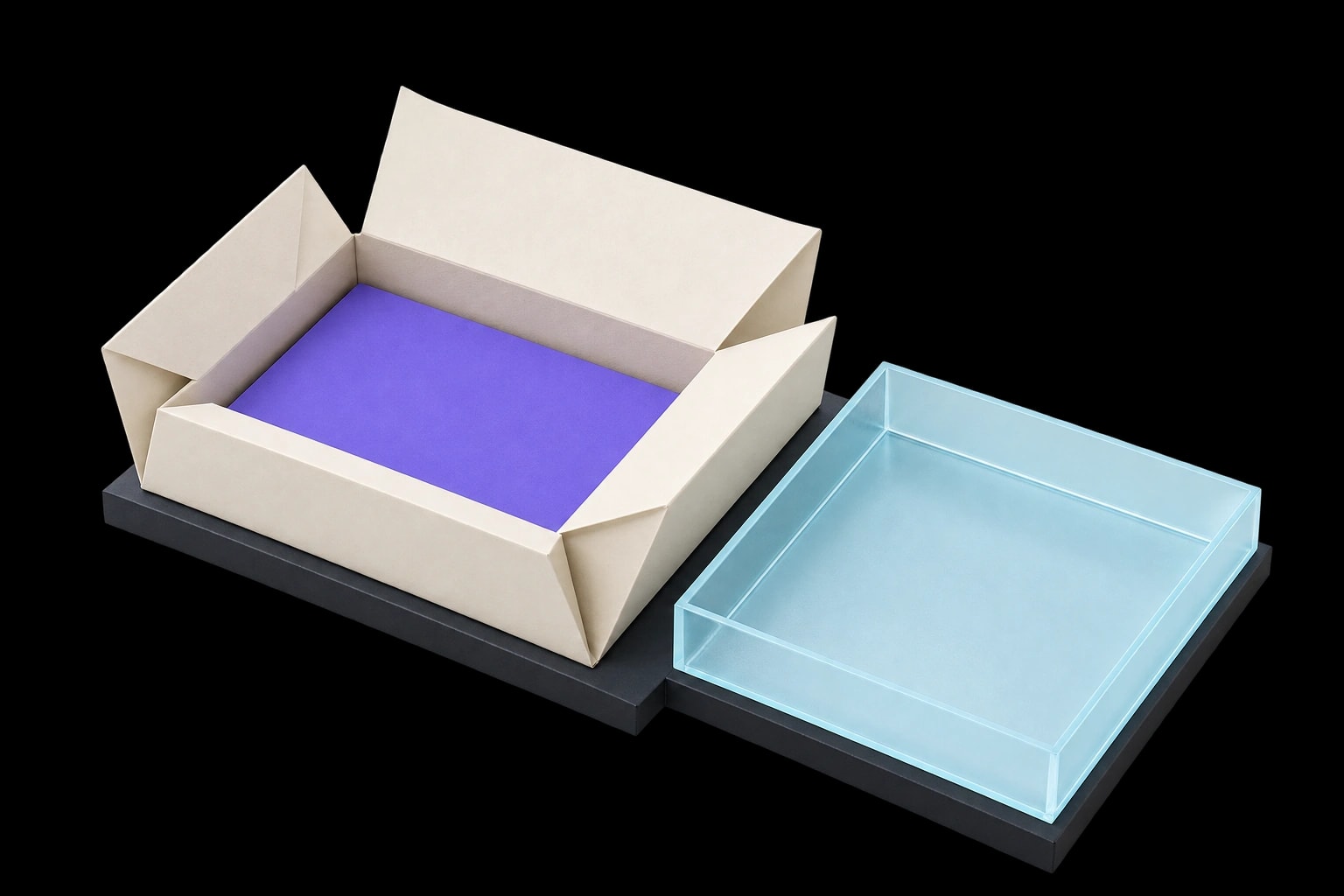
- About the item
- Dimensions, materials, compatibility and the differences between variants.
- How it arrives
- Product-specific delivery restrictions and supported collection arrangements.
- What is current
- Stock or availability only when the source system can keep it accurate.
How to plan the product-page information
The product page should answer the questions that affect that particular choice. Depending on the range, those may concern dimensions, materials, compatibility or the differences between variants. Use information the business can verify and images that help explain the actual item being considered.
Place relevant fulfilment information within reach of the purchase decision. A general delivery explanation can support the page, but a product-specific restriction needs to be clear where it changes the available next step. Avoid letting a broad store message imply that every item has identical arrangements.
Agree which system maintains changing product facts. The website can present current stock or availability only when the supporting process can keep that information accurate. A marketing description, a stock record and a confirmed order have different jobs and should not be treated as interchangeable evidence.
Separate the collection and delivery promises.
One item can lead to different arrangements. Explain each supported route in its own terms.
Collection
When collection is supported.
- Before the visit
- Where to collect and how readiness is confirmed.
- After the request
- Make the enquiry, reservation or completed-order stage clear.
Delivery
According to the actual delivery process.
- Before checkout
- Destinations, item restrictions and the timing information available.
- After the order
- Confirm the real order stage and the next instruction.
A request is not a readiness confirmation. The page and the follow-up message need to describe the same stage.
How to define the fulfilment promises
If collection is supported, explain where it happens and what establishes that an order is ready. A customer planning to visit should understand whether they are browsing, asking about an item, reserving it or collecting a completed purchase. Use the real process to choose the wording.
Delivery needs its own approved explanation of the relevant destinations, conditions and information available before checkout. Keep any quoted timing consistent with the business's actual arrangements. An attractive product photograph cannot answer a practical question about how the item reaches the customer.
Review the message someone receives after the action. A collection request may still require confirmation, while a completed order follows the supported commerce process. Describe that state accurately so the next instruction is useful to both the customer and the receiving team.
Review one purchase and one store visit.
Test two real tasks on a phone. Each journey should make sense on its own.
A purchase
- Find the item
- Check its details
- Understand fulfilment
A store visit
- Find visit information
- Check the arrangements
- Understand the next action
The ecommerce website design brief can connect those tasks with category pages, product presentation and the agreed checkout or store handoff. Identify which information carries forward and which records the business team needs to review before the route is ready.
How to review the two customer journeys
Choose representative tasks from the real range and follow them on a phone. Can someone browse to a product, understand its relevant details and find the supported fulfilment route? Separately, can a person planning a store visit find the practical information without beginning an online order?
SEO Supreme works with Portland businesses remotely. We keep the product and store journeys within one agreed project scope, using confirmed business information. After an offer or fulfilment change, revisit the affected explanation and the next action together rather than checking only the appearance of the page.
Your Portland shop questions.
Can a local store and an online shop use one website?
Yes. The structure should make practical store information and the online purchase journey clear, including any real collection or delivery arrangements.
Should product availability be shown on a marketing page?
Only when it can be maintained accurately. We agree which system owns that information and how the website presents it.
Is a search box enough for customers and search engines to find products?
A search box can help, but it should sit alongside useful linked categories and product pages. Googlebot generally does not submit store-search queries. Review how important products can be reached through the site's ordinary navigation as well as through customer search.
Does a collection request mean the item is ready?
Only if that is what the business's actual process establishes. Explain whether the action is an enquiry, reservation or completed order, and how readiness for collection is confirmed. The page and the follow-up message should describe the same stage.
Connect the catalogue with fulfilment.
Bring the real product range, the information system and the supported delivery or collection process. Those details connect the store's useful pages with the customer's next step.
Discuss your project